Basic Function Programming
Basic Functions
The image installed on OriginCar Pro includes ROS 2 Humble / TogetheROS, as well as the low-level driver package and camera driver package for OriginCar Pro. Their usage is described below.
Chassis Driver
Log in to the OriginCar Pro system using any one of the remote connection methods, then enter the following command:
Button Control
Start button control after the chassis driver has been started; OriginCar Pro will then move according to the commands.
# Start another terminal and enter the following command
ros2 run teleop_twist_keyboard teleop_twist_keyboard
Human Detection
Human detection serves as a camera driver demo in OriginCar Pro. Users can run the human detection function to verify the camera and use it as a reference when implementing similar vision functions.
# Open a new terminal and enter the following command
# Start the camera
ros2 launch origincar_bringup usb_websocket_display.launch.py
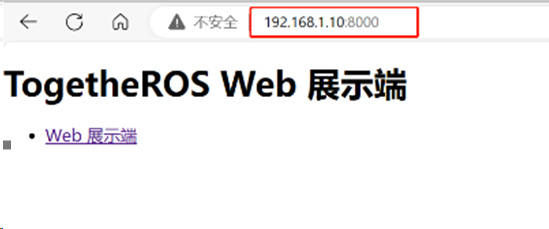
Keyboard Control
Start the chassis on OriginCar Pro
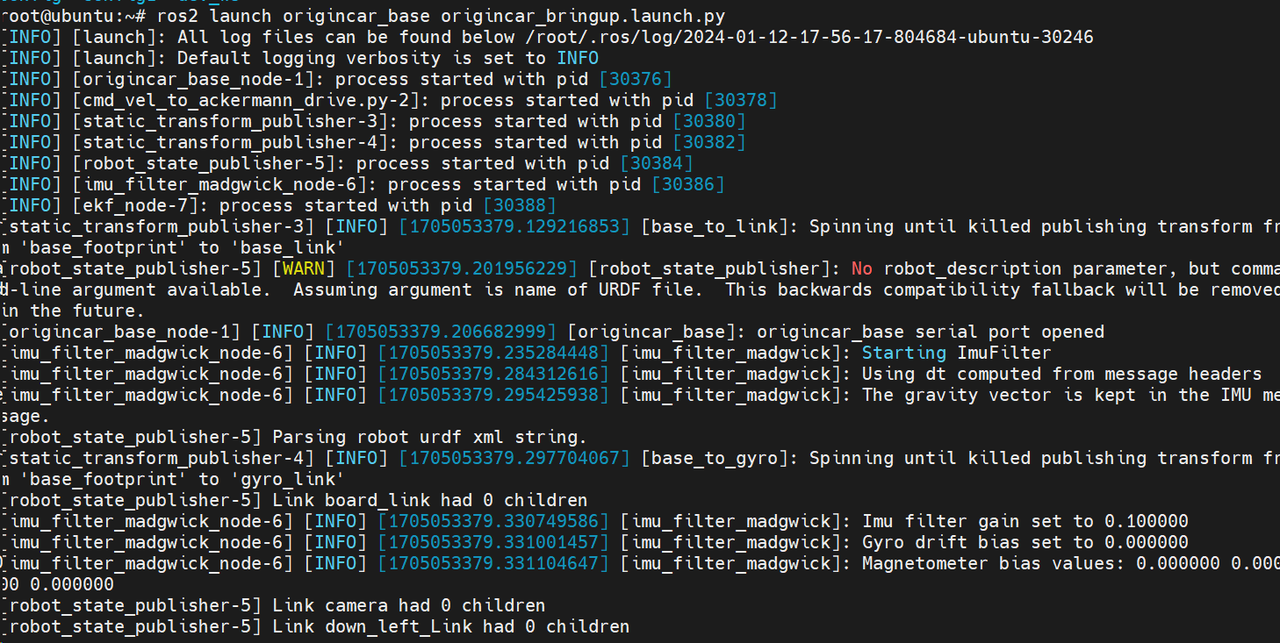
At this point, in the digital environment, press the r key on the keyboard to start host computer control.
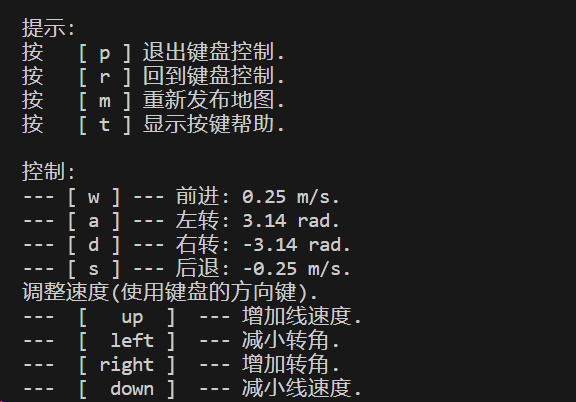
Press WSAD to move OriginCar Pro.